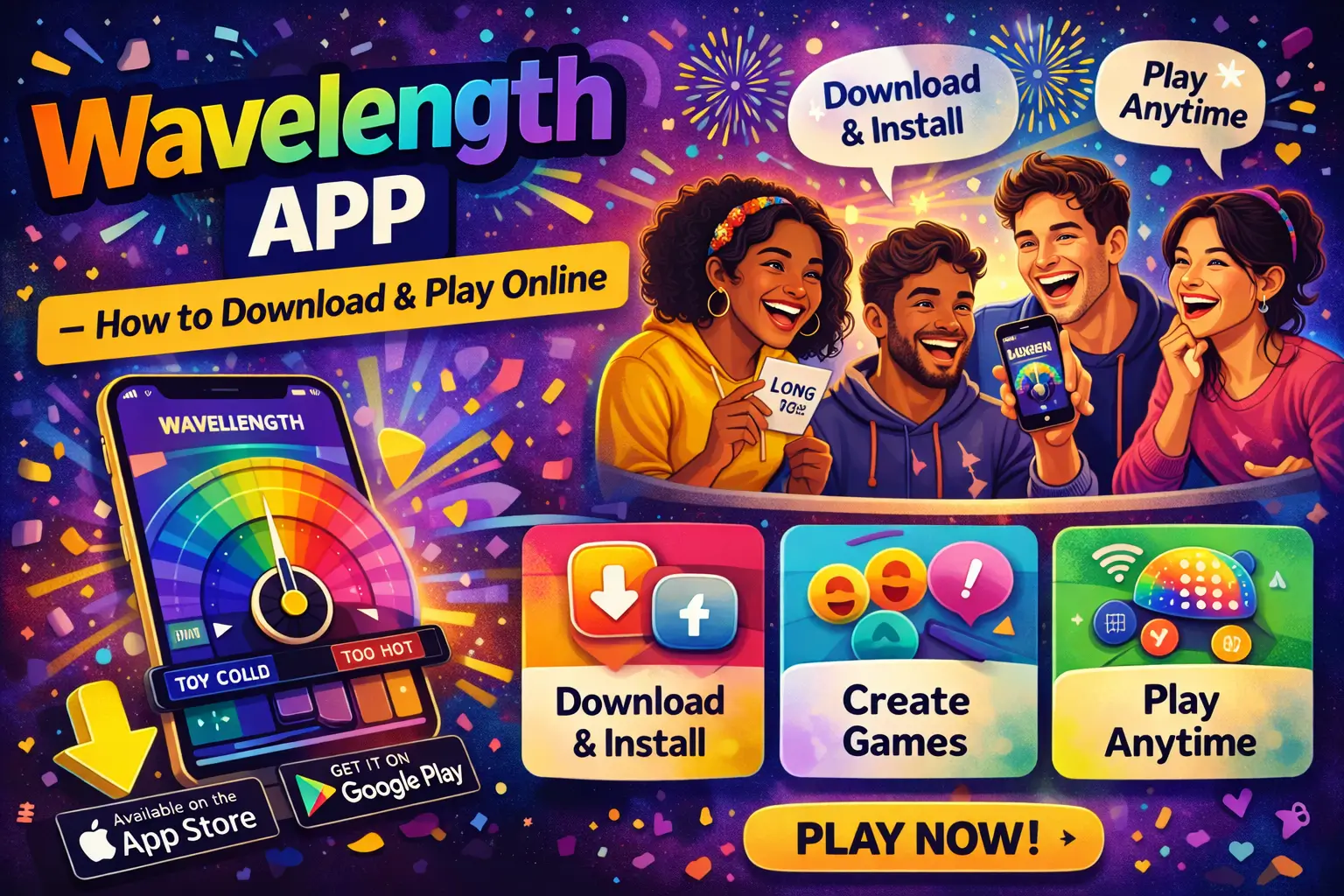
Wavelength App – How to Download & Play Online
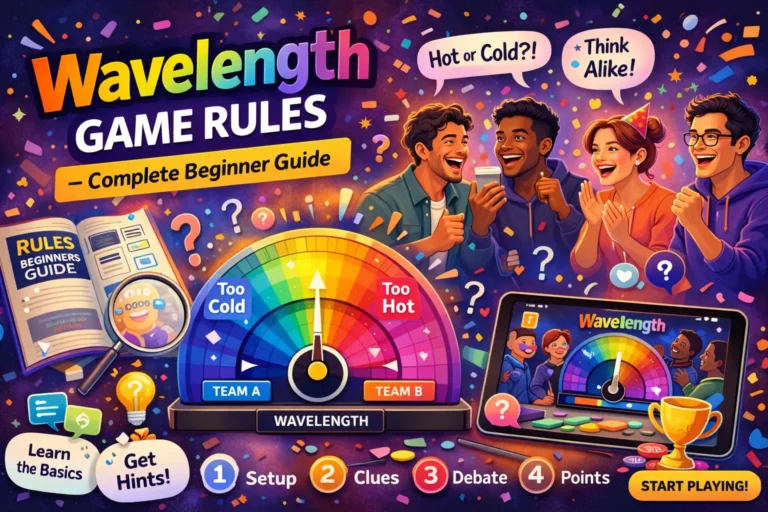
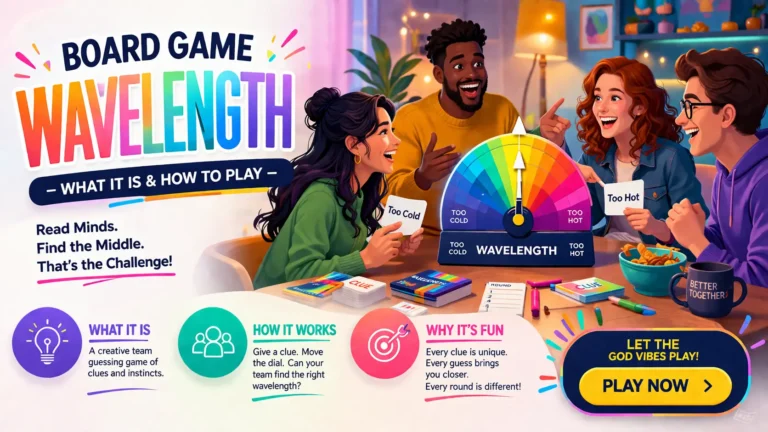
The Wavelength app brings the popular social party game to your smartphone and tablet, allowing you to play anywhere with friends or family. It maintains the same intuitive spectrum-guessing mechanics while offering the convenience of online multiplayer. Players can interact remotely, communicate, and compete in real-time for a seamless experience. This guide explains how to download the Wavelength app and play it online effectively.
Downloading the Wavelength App
Availability on Platforms
The Wavelength app is available on both iOS and Android devices through the App Store and Google Play. Users can search for “Wavelength Game” to find the official version. The app supports most smartphones and tablets, ensuring accessibility for a wide range of players. Regular updates improve stability and introduce new features.
Installation Steps
To install the app, open your device’s app store and search for Wavelength. Tap “Download” or “Install” and wait for the process to complete. Once installed, open the app and allow required permissions such as notifications and microphone access. These steps prepare the app for smooth online gameplay.
Account Setup
After installation, players can create a free account using email or social media login. An account allows progress tracking, scorekeeping, and access to multiplayer features. Some features, like friend lists and private rooms, require a login. Proper setup ensures a personalised gaming experience.
Understanding App Permissions
The app may request access to your microphone and notifications. These permissions enable voice communication and real-time interaction during gameplay. Granting access improves coordination with teammates. Users can manage these settings anytime through device preferences.
Updating the App
Keeping the app updated ensures access to the latest features and bug fixes. Updates may install automatically or manually via the app store. Staying updated helps avoid compatibility issues in multiplayer sessions. Regular updates enhance overall performance and stability.
Creating a Game Room
Starting a Room
After logging in, players can create a private or public game room. The host sets a room name and optional password for privacy. Rooms allow multiple players to join and interact. Creating a room is the first step toward starting a multiplayer session.
Inviting Friends
Players can invite friends using shareable links or in-app friend lists. Invitations can be sent via messaging apps, email, or social media. Once accepted, friends can join instantly. This makes connecting with others quick and convenient.
Team Formation
Players divide into teams within the room for competitive gameplay. Balanced teams improve fairness and enjoyment. Team members collaborate to interpret clues and make guesses. Proper team formation ensures structured and engaging rounds.
Customising Game Settings
Hosts can adjust difficulty levels, timers, and the number of rounds. These settings allow customisation based on player preferences and experience levels. Adjustments keep gameplay challenging and engaging. Custom settings make each session unique.
Starting the Match
Once all players are ready, the host starts the game. The app displays the spectrum and clue cards digitally. Players take turns giving clues and making guesses. This begins the real-time multiplayer experience.
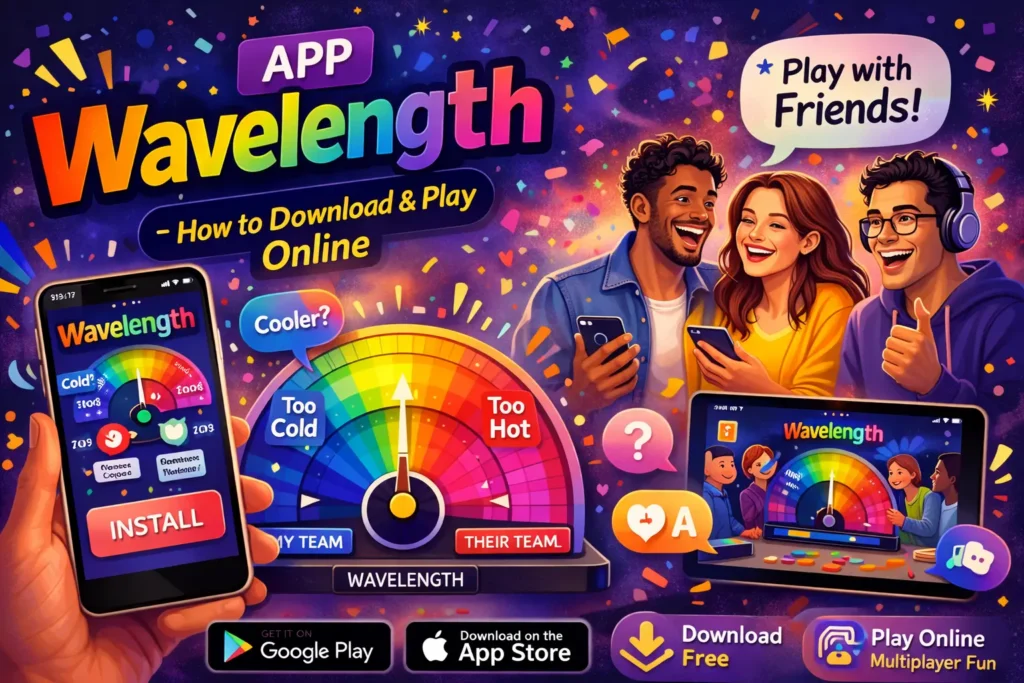
Understanding Gameplay
Clue Giving
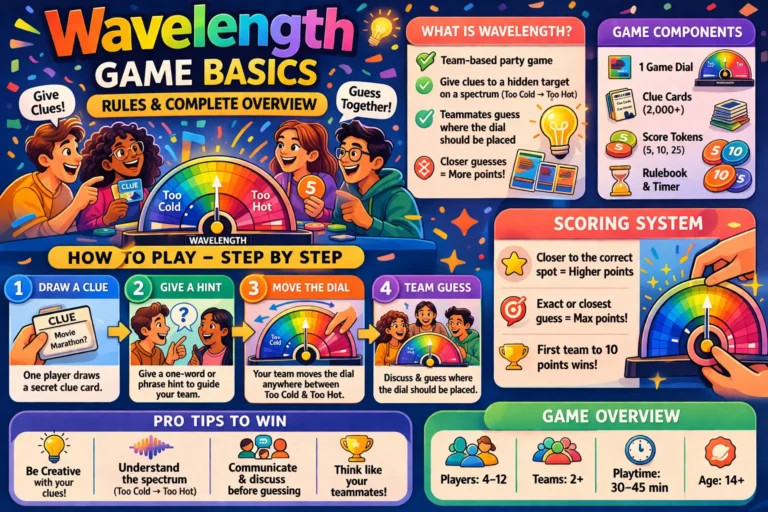
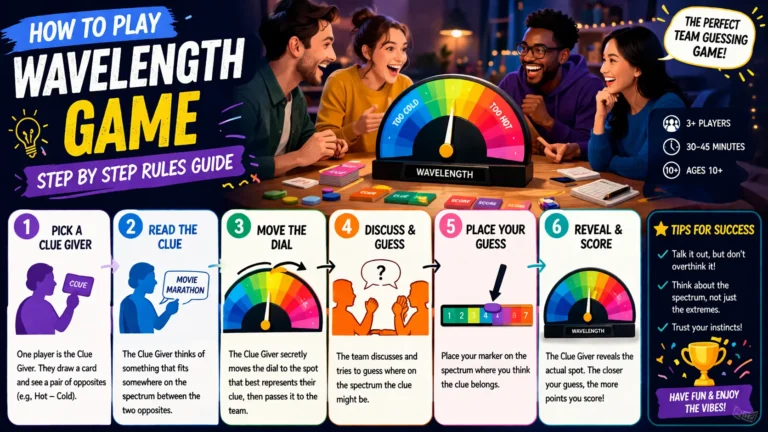
The clue giver provides hints to help teammates locate the hidden target. Clues should be creative but not overly direct. Balancing clarity and subtlety improves team performance. Effective clue-giving is key to scoring points.
Team Guesses
Teammates discuss the clue and place the pointer on the spectrum. Collaboration improves accuracy, though overthinking can cause errors. The closer the guess to the target, the more points earned. Strategic discussion enhances results.
Scoring Points
The app automatically calculates points based on guess accuracy. Exact guesses earn maximum points, while near guesses earn partial points. Scores are visible to all players. Understanding scoring helps teams improve strategies.
Role Rotation
Roles change each round, so every player gets a chance to give clues. Rotation ensures fairness and keeps players engaged. Each participant experiences both clue-giving and guessing. This keeps gameplay dynamic.
Ending a Round
After revealing the target, the round ends and points are awarded. A new round begins with a different clue giver. This cycle continues until all rounds are completed. Automatic transitions ensure smooth gameplay.
Tips for Playing Online
Clear Communication
Speak clearly when giving clues to avoid confusion. Simple and direct communication improves team understanding. Avoid overly complex hints. Clear dialogue increases accuracy and enjoyment.
Using Headphones
Headphones help reduce background noise and improve audio clarity. Better sound quality ensures teammates hear clues correctly. This minimises misunderstandings. A good audio setup improves teamwork.
Understanding Spectrums
Knowing common spectrum types helps improve guessing accuracy. Teams should learn from previous rounds. Better understanding leads to better interpretation. This increases scoring consistency.
Staying Engaged
Active participation keeps the team motivated and effective. Disengaged players reduce overall performance. Staying focused improves collaboration. Engagement makes the game more enjoyable.
Practicing Regularly
Regular gameplay improves intuition and strategy. Practice strengthens both clue-giving and guessing skills. Players become more confident over time. Consistent play leads to better performance.
Variations and Modes
Custom Spectrums
Players can create their own spectrums for unique gameplay. This adds creativity and replay value. Teams must adapt to new challenges. Customisation keeps the game fresh.
Party Mode
Party mode supports larger groups with rotating roles. Timed rounds keep the game fast-paced and exciting. Social interaction increases in this mode. It is ideal for gatherings and events.
Solo Practice
Solo mode allows players to practice without affecting scores. It helps improve individual skills. Players can experiment freely. This builds confidence for multiplayer games.
Themed Challenges
Themed rounds focus on specific categories like movies or history. Clues match the theme for added fun. Teams adjust strategies accordingly. This adds variety to gameplay.
Tournament Mode
Tournament mode introduces structured competitive play. Teams compete in organised matches. Strategy and teamwork are tested under pressure. It adds excitement for serious players.
Common Mistakes to Avoid
Overcomplicating Clues
Complex clues confuse teammates and reduce accuracy. Keep hints simple and clear. Overcomplication slows gameplay. Balanced clues improve results.
Poor Audio Setup
Bad audio affects communication and teamwork. Use headphones or quiet environments. Clear sound improves performance. A good setup ensures smooth gameplay.
Misreading Spectrums
Incorrect understanding of the spectrum lowers points. Clarify both ends before guessing. Accurate interpretation improves results. Misreading leads to mistakes.
Rushing Guesses
Quick guesses often miss the target. Take time to discuss. Thoughtful decisions improve accuracy. Patience increases success.
Ignoring Score Strategy
Focusing only on one round reduces overall performance. Plan for total points. Strategic thinking improves outcomes. Long-term focus leads to winning.
FAQs
How do I download the Wavelength app?
It is available on iOS and Android via the App Store and Google Play.
Can I play Wavelength online with friends?
Yes, the app supports real-time multiplayer gameplay.
Do I need an account to play online?
Yes, an account is required for multiplayer features and progress tracking.
Are custom spectrums available in the app?
Yes, players can create and use custom spectrums.
Is the app free to download?
Yes, basic gameplay is free, though some optional features may require purchases.
Conclusion
The Wavelength app brings the party game experience to any location, combining strategy, communication, and teamwork. Its online features, multiple modes, and easy accessibility make it enjoyable for all types of players. With regular practice and effective collaboration, players can improve their performance and have more fun. Wavelength remains a top choice for interactive and engaging social gameplay.